Ready-made players
A StageXI player set up for you: plug it in, pair it, and it plays.
A ready-made player is a small device we prepare with StageXI. It is the simplest choice for screens that run all day: nothing to install and nothing to configure.
Order one
Open the profile menu, choose Plan → Players and then Order players. You can order them with your subscription or on their own. The players available and their prices are also on the Players page.
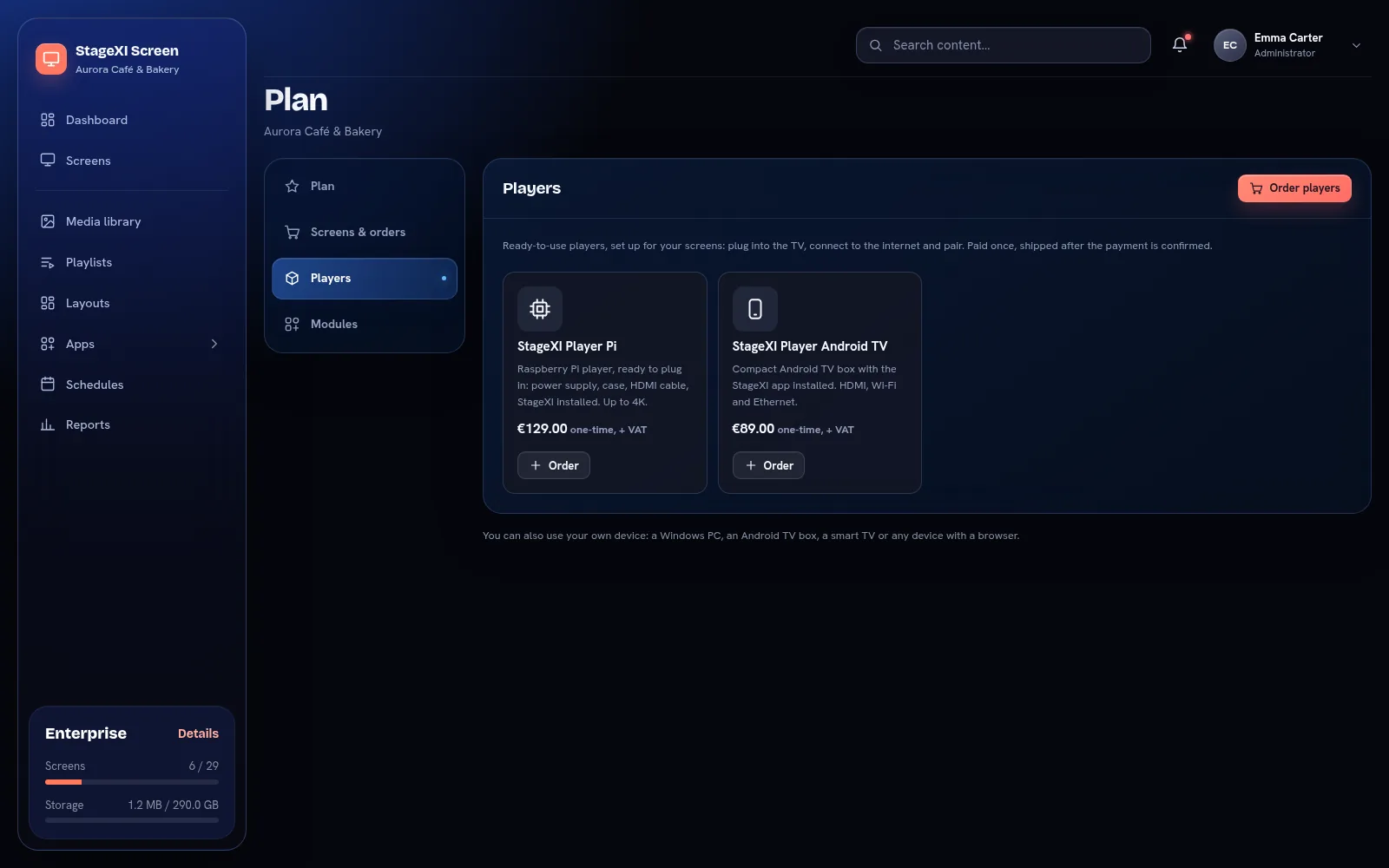
In the order you give the delivery address (it can differ from the billing address) and see the delivery cost. The player is shipped after the payment is confirmed; the order then shows Preparing, Shipped with its tracking number, and Delivered.
If something is wrong
Open the order under Plan → Screens & orders and choose Report a problem: damaged in delivery, defective, wrong product, missing parts, or setup and connection. Describe what happened and attach up to 5 pictures. Support answers in the same place, in your account.
Connect it
- Connect the player to the screen with the HDMI cable.
- Connect it to the internet, with a network cable where you can.
- Plug in the power. The player starts and shows a pairing code on the screen.
- Pair the screen in the panel and choose what it plays.
Good to know
- The player starts by itself every time it gets power, straight into your content.
- It stores your content and keeps playing without internet. See Offline playback.
- Turn off the TV's energy saving and sleep timers, and use working hours to make the screen dark at night.
If a player doesn't start or shows an error, write to us from the contact page with its Screen ID, shown on the pairing screen.
Still need help?
Write to us and we will answer within one working day.