A tour of the panel
Where everything is: the sidebar, the search, notifications and your settings.
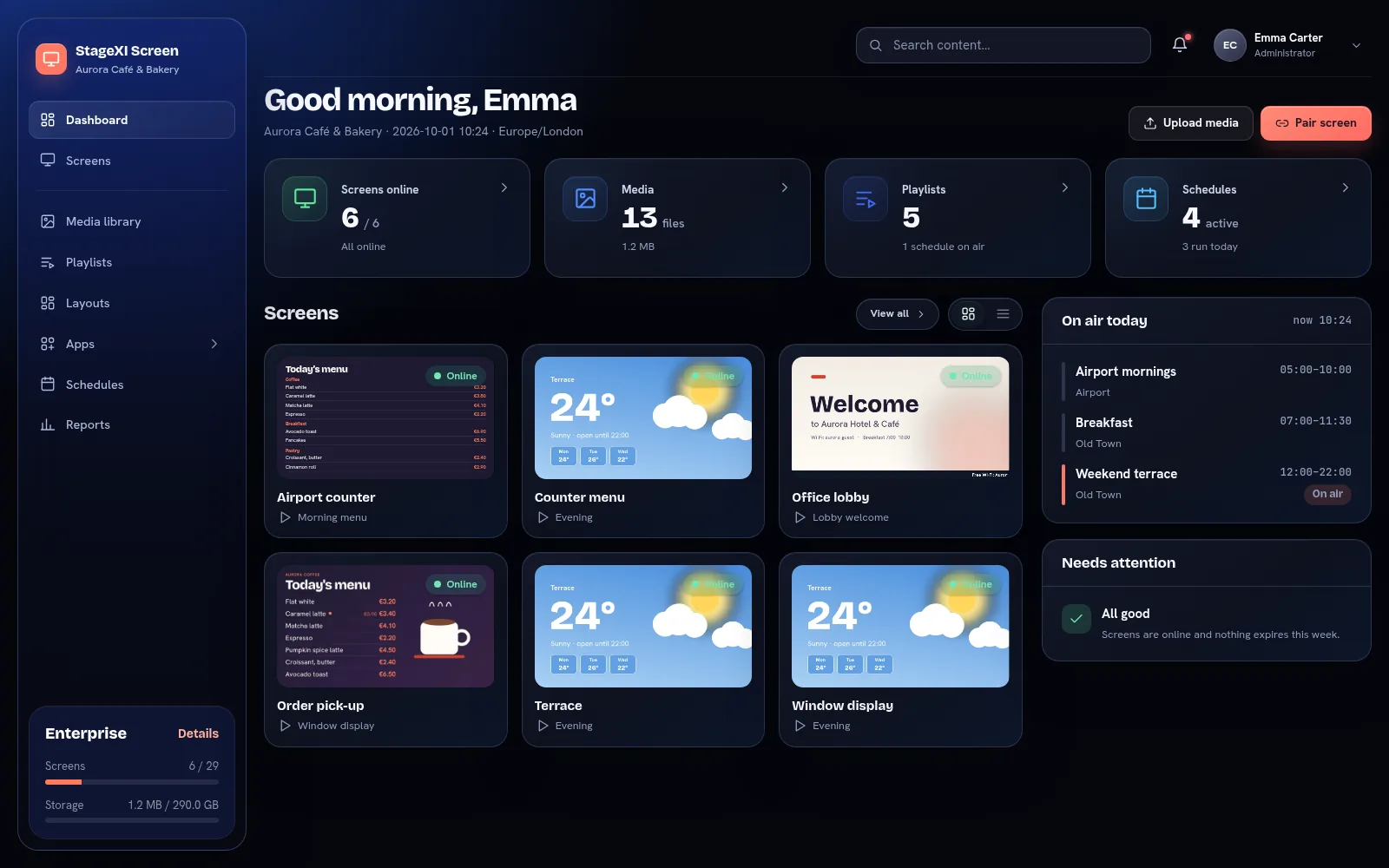
The sidebar
- Dashboard: screens online, media, playlists, what plays today and what needs attention.
- Screens: all your screens with a live picture, screen groups and video walls.
- Media library: files and folders, with a recycle bin.
- Playlists and Layouts: what the screens play.
- Apps: the apps you turned on, such as the menu board or the queue.
- Schedules: a weekly calendar of what plays when.
- Reports: proof of play, on plans that include it.
The box at the bottom shows your plan and how many screens and how much storage you use.
The header
- Search finds screens, playlists, media and apps by name.
- The bell lists notifications: screens that went offline or came back, files that expired.
- Your profile menu opens your settings, the appearance and sign-out.
Your profile menu
The menu under your name (top right) opens:
- My profile: your name, notifications, password and security, appearance and language.
- Plan: your plan and what you use, Screens & orders and Players.
- Account settings: the company details (General), Team & roles, Data & backups and the Activity log.
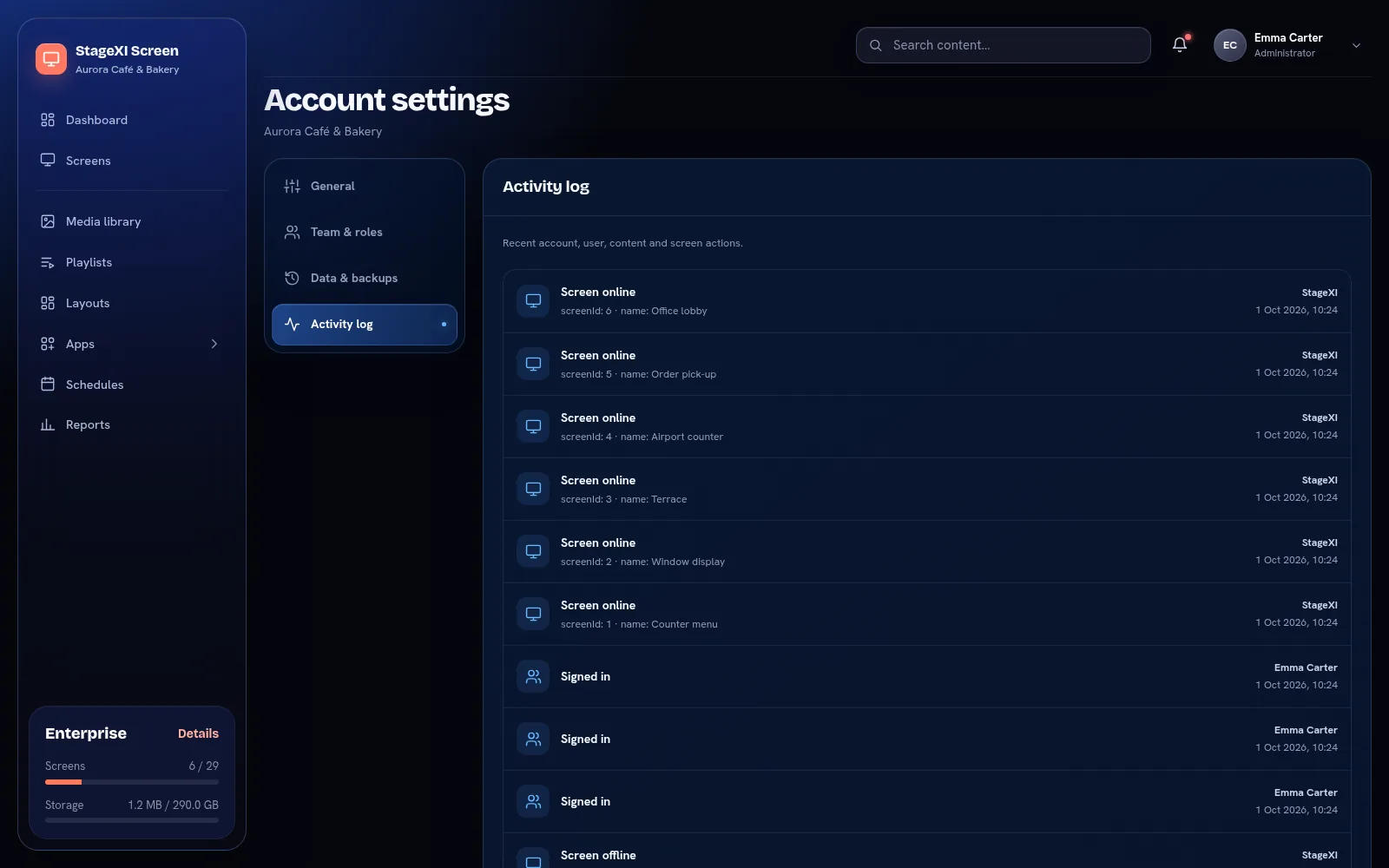
The Activity log lists what happened in the account and who did it: sign-ins, screens that went offline or came back, commands sent to screens, changes to users and roles, video walls, Show Control keys, orders and backups.
Appearance
Choose Modern or Classic, and light, dark or system (follows your computer). The choice is saved in your browser.
Still need help?
Write to us and we will answer within one working day.