Plans, screens and payments
How the trial, plans, screens and orders work.
The trial
A new account can use every feature for 14 days, with a small number of screens. At the end of the trial the account becomes read-only until you choose a plan; nothing is deleted.
Plans
You pay per screen. Each plan adds features: Starter shows your content, on as many screens as you need. Business connects it to your business (apps, layouts, groups, reports, remote support, backups). Enterprise runs a whole network from the centre (roles, advertisers, video walls, projector correction, show control, longer backups). See the pricing page.
Your plan
Open the profile menu (top right) and choose Plan.
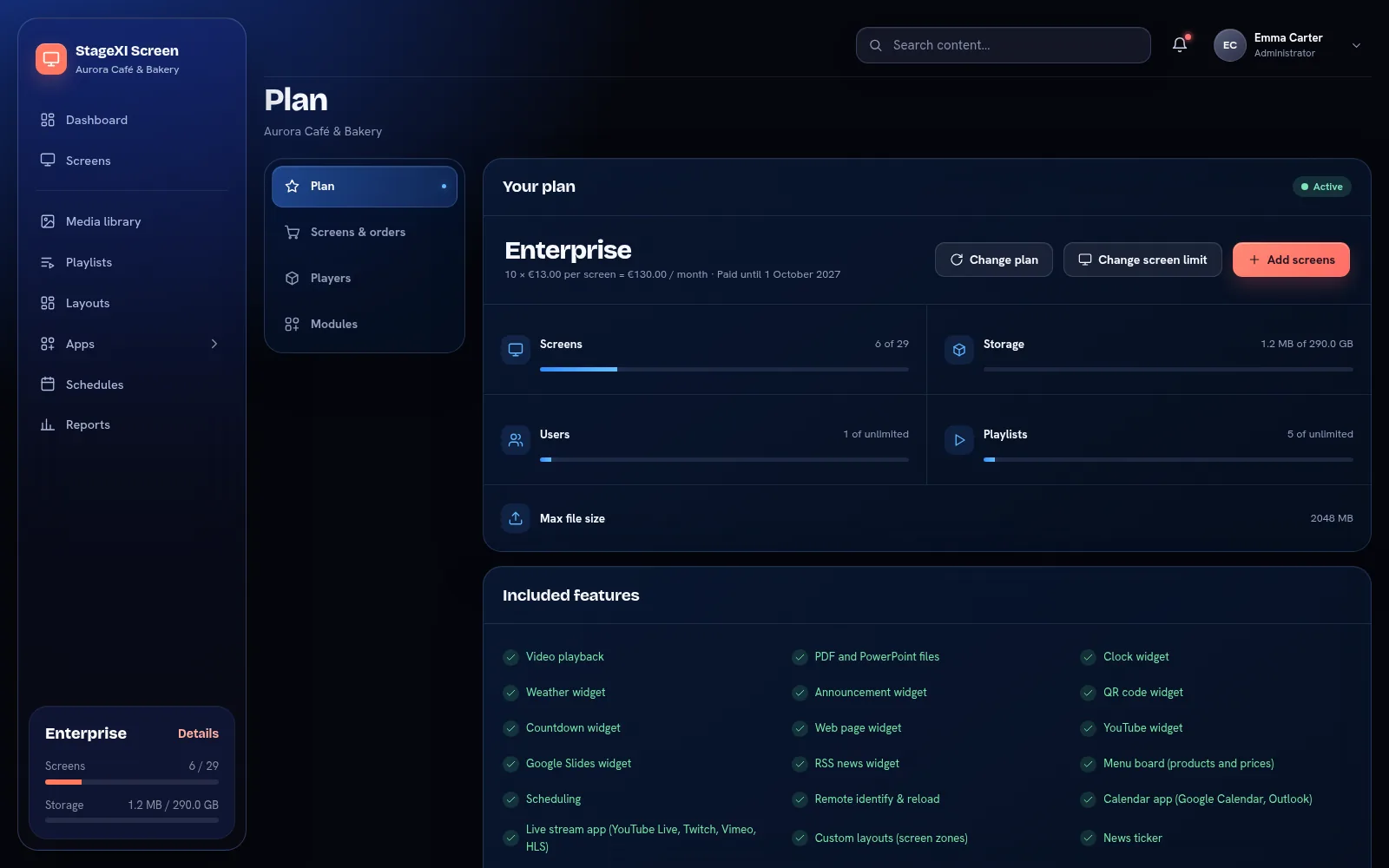
The page shows your plan, what you pay and until when, how many screens, how much storage and how many users and playlists you use, and the features included.
Add screens, change the limit or the plan
- Add screens: extra screens, one by one. An extra screen costs your plan's price divided by the screens it includes; you pay for the days left until your renewal date.
- Change plan to a higher plan: all screens move at once and you pay the difference for the days left. A lower plan starts at your next renewal; the current one stays active until then.
- Change screen limit: fewer or more screens from your next renewal. Your current screens keep working until then.
- Buy for 1, 6 or 12 months.
Nothing is charged automatically. An order waits until the payment is confirmed, then it is applied. You can have one subscription order waiting at a time; find it, with the payment details, under Screens & orders, where you can also cancel it.
Players
Under Players you can order ready-to-use players, with your subscription or on their own. See Ready-made players.
Licence codes
If you received a licence code (SXI-…), enter it on the Plan page, under Activate a license code, to activate the plan it contains.
Still need help?
Write to us and we will answer within one working day.