Screens that work for your business.
Menus, prices, exchange rates, queues, offers and news on any TV — updated in seconds, from your browser or your phone. See every screen live and never worry about a black screen again.
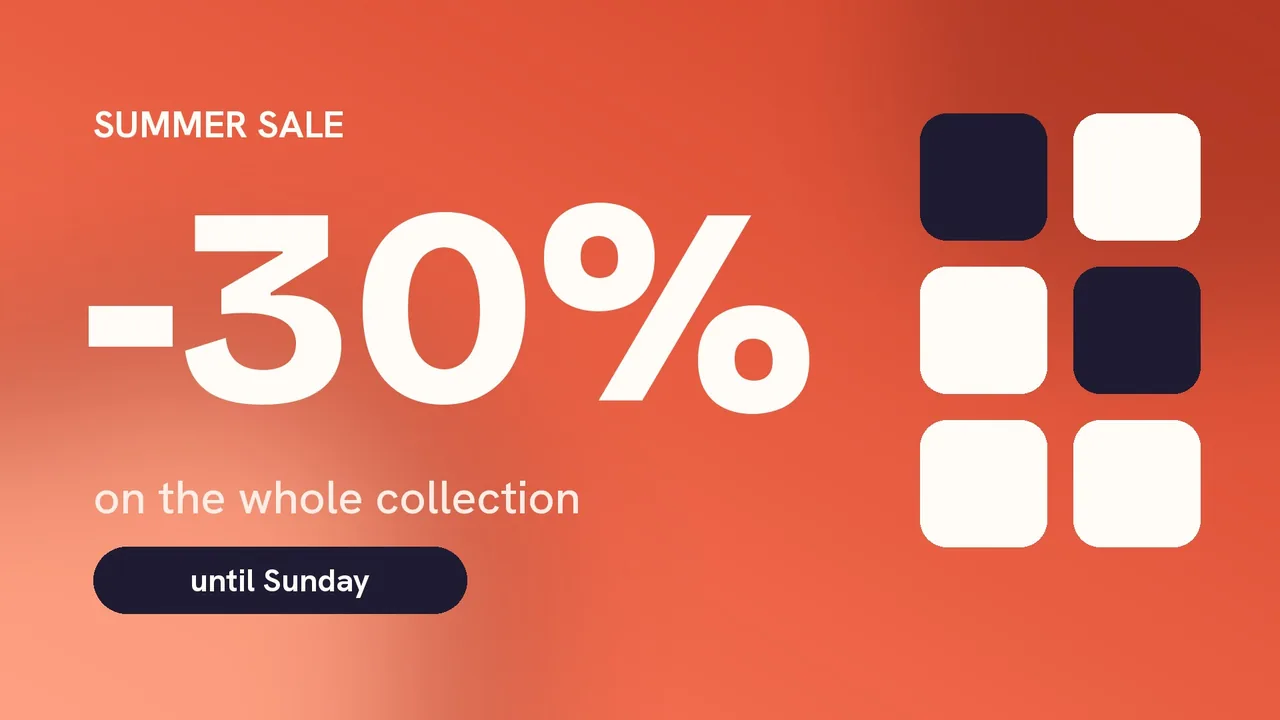
- Smart TVs
- Windows PCs
- Android TV
- Raspberry Pi
- Any modern browser
Made for the way your business works
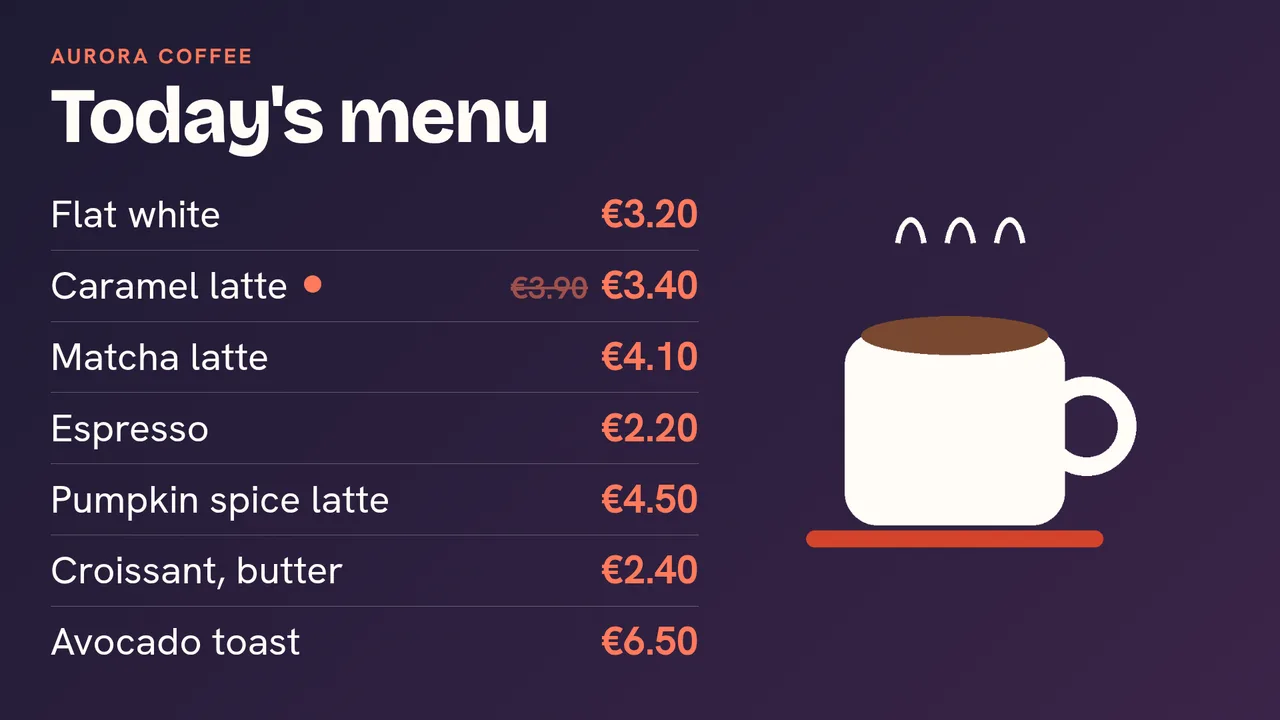
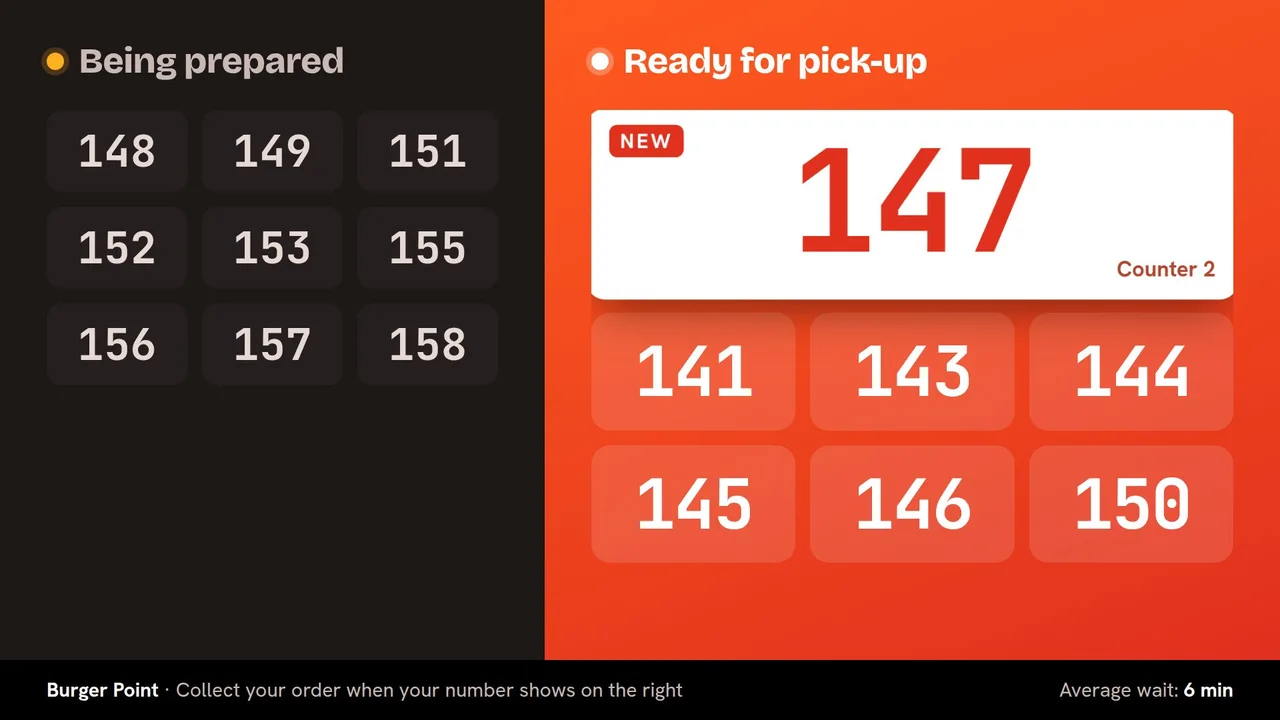
Menu boards that sell, and orders called on screen
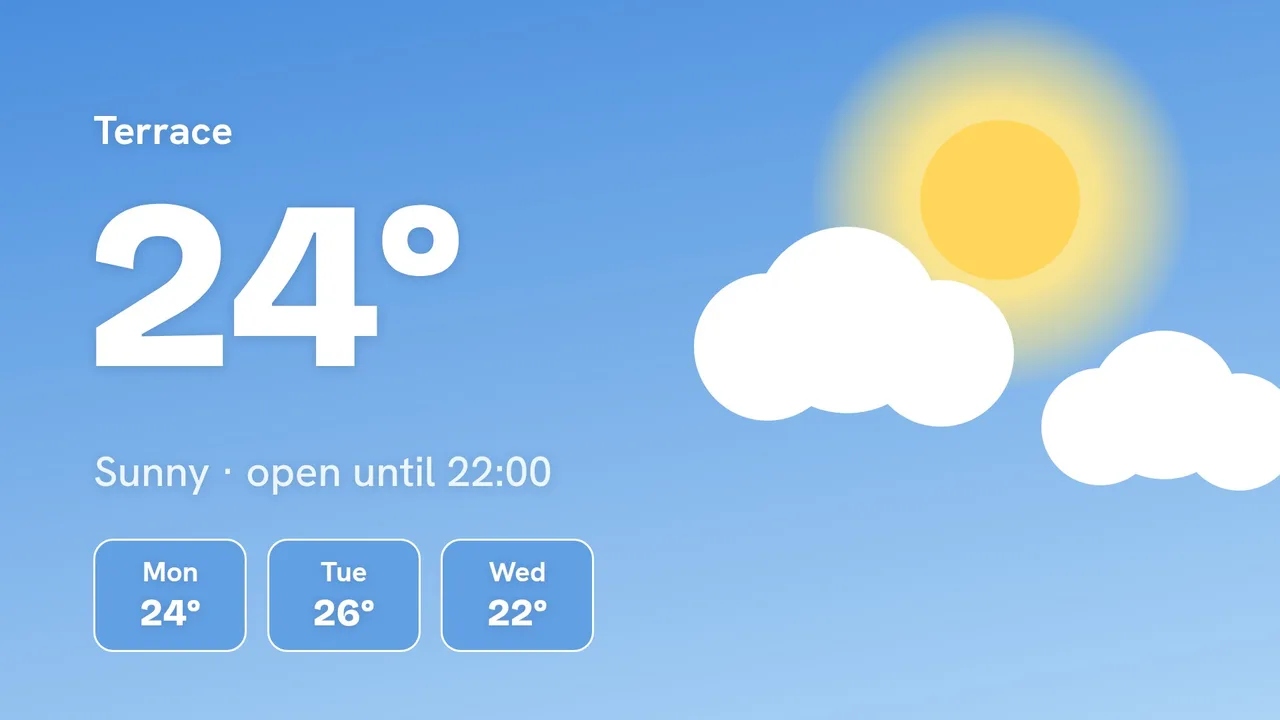
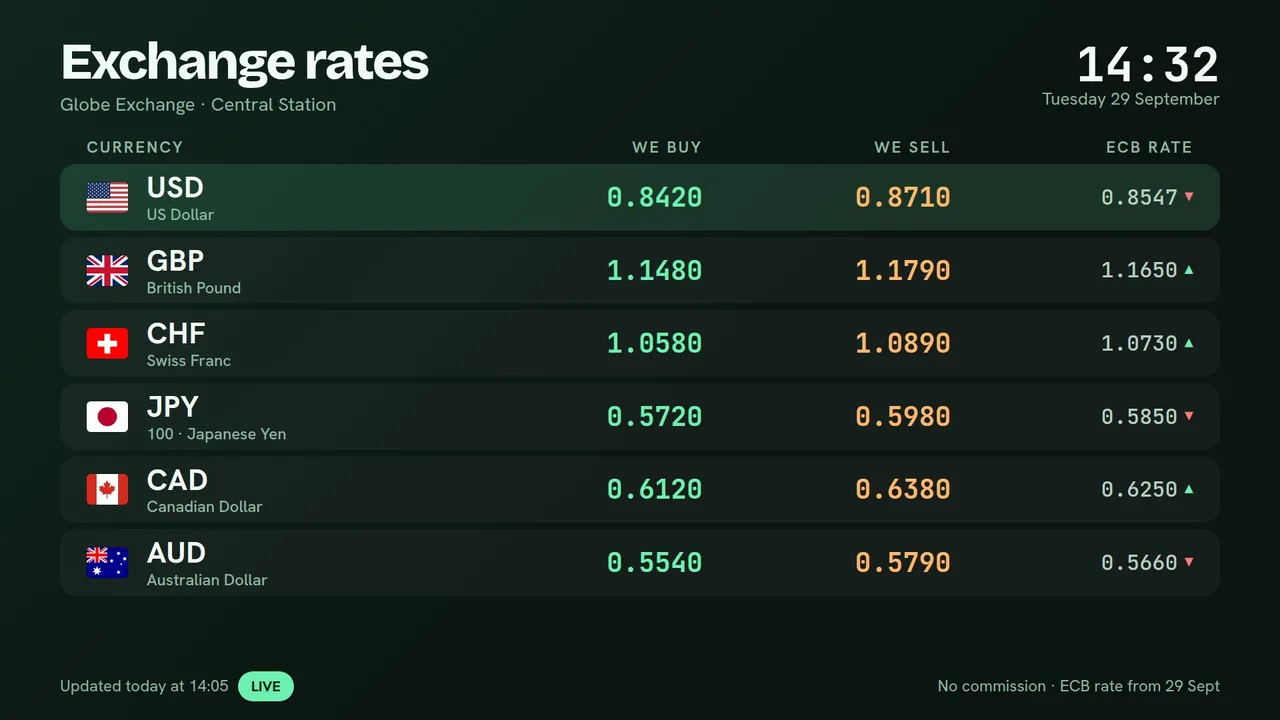
Exchange rates on screen seconds after you change them
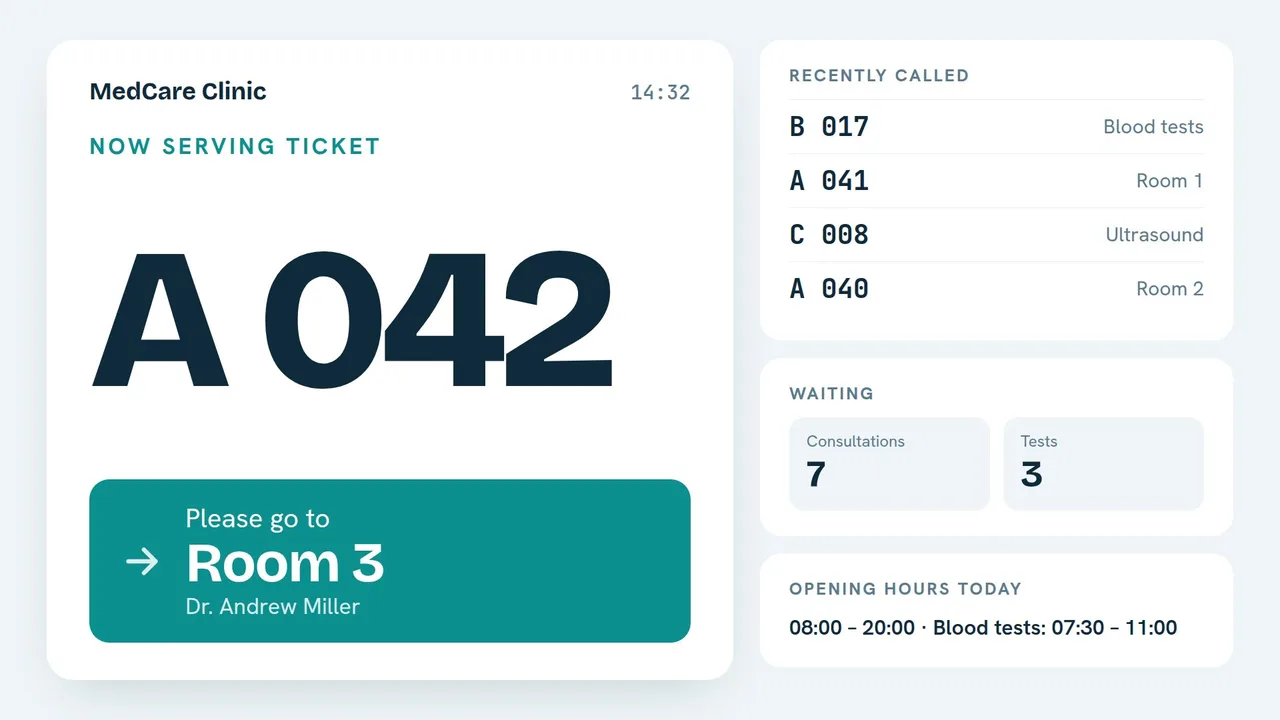
Calmer waiting rooms, with tickets and calls on screen
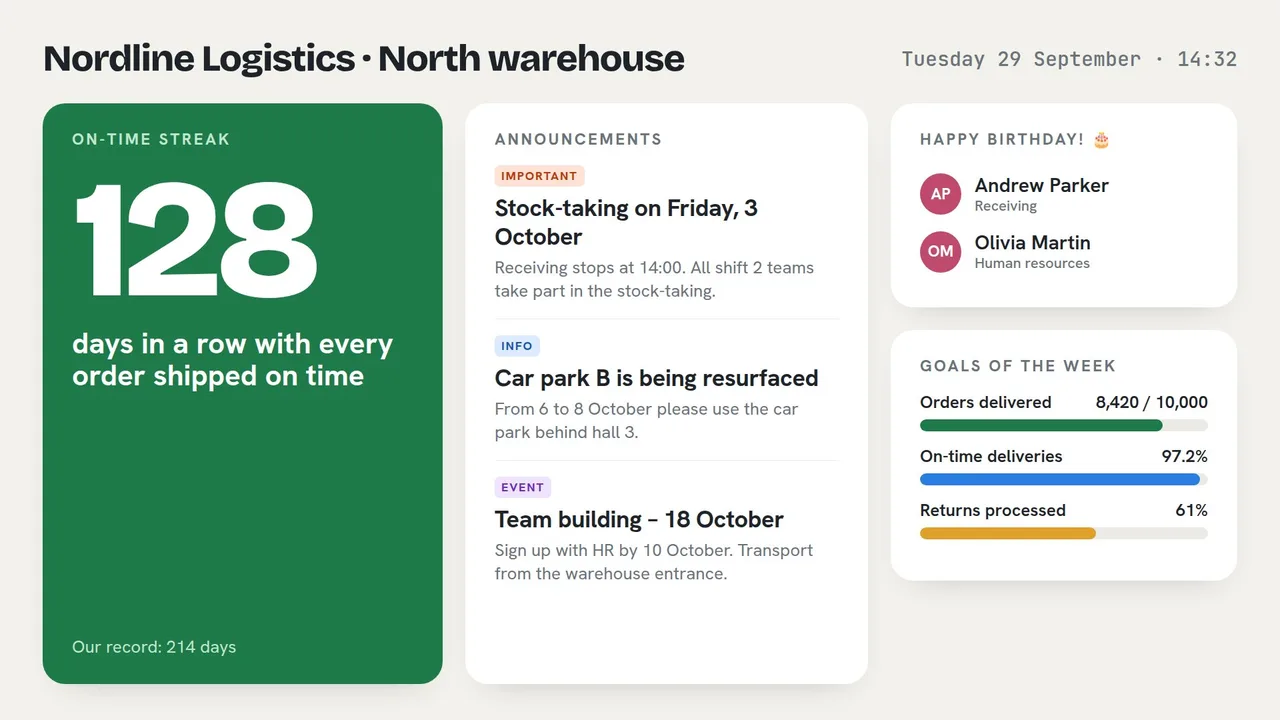
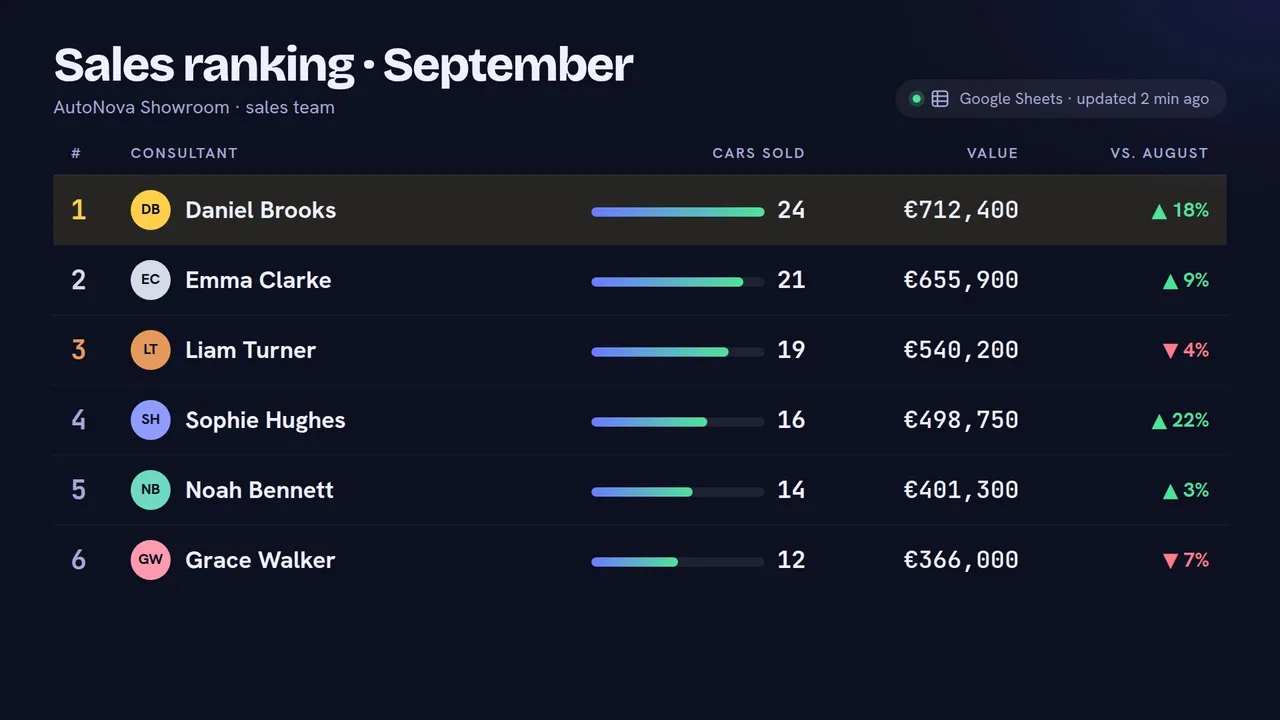
Keep every team informed, without one more email

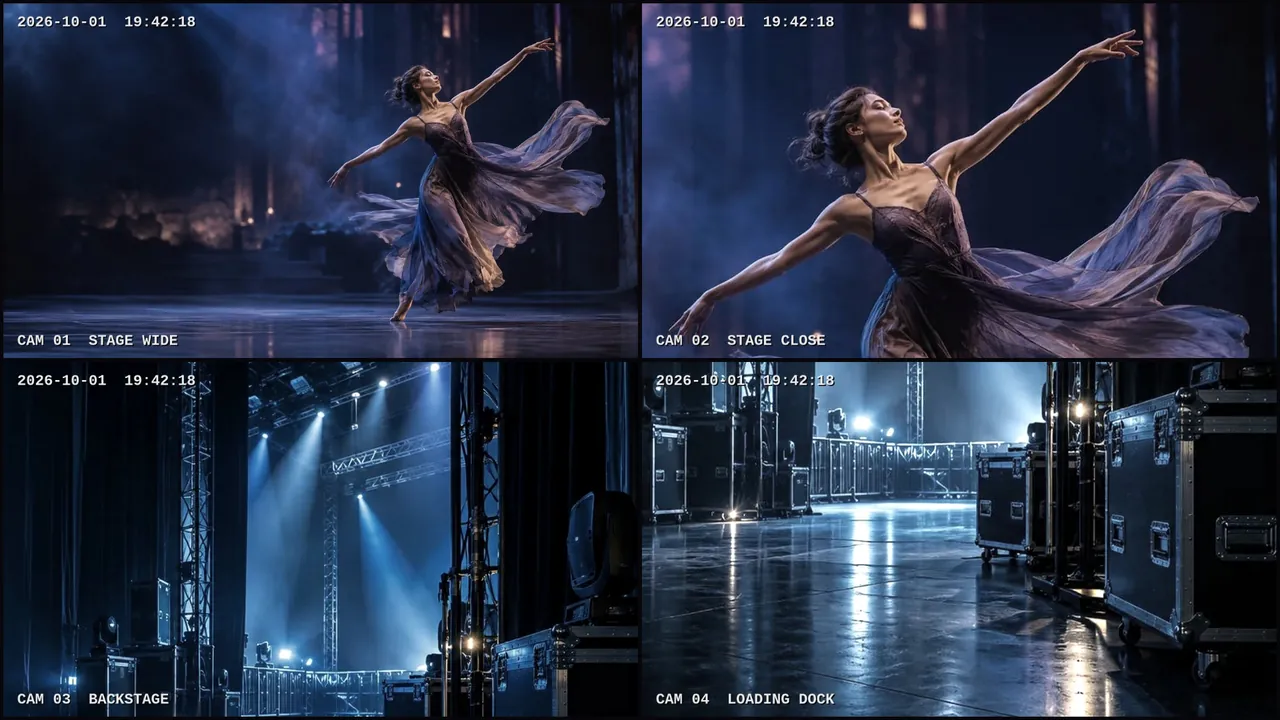
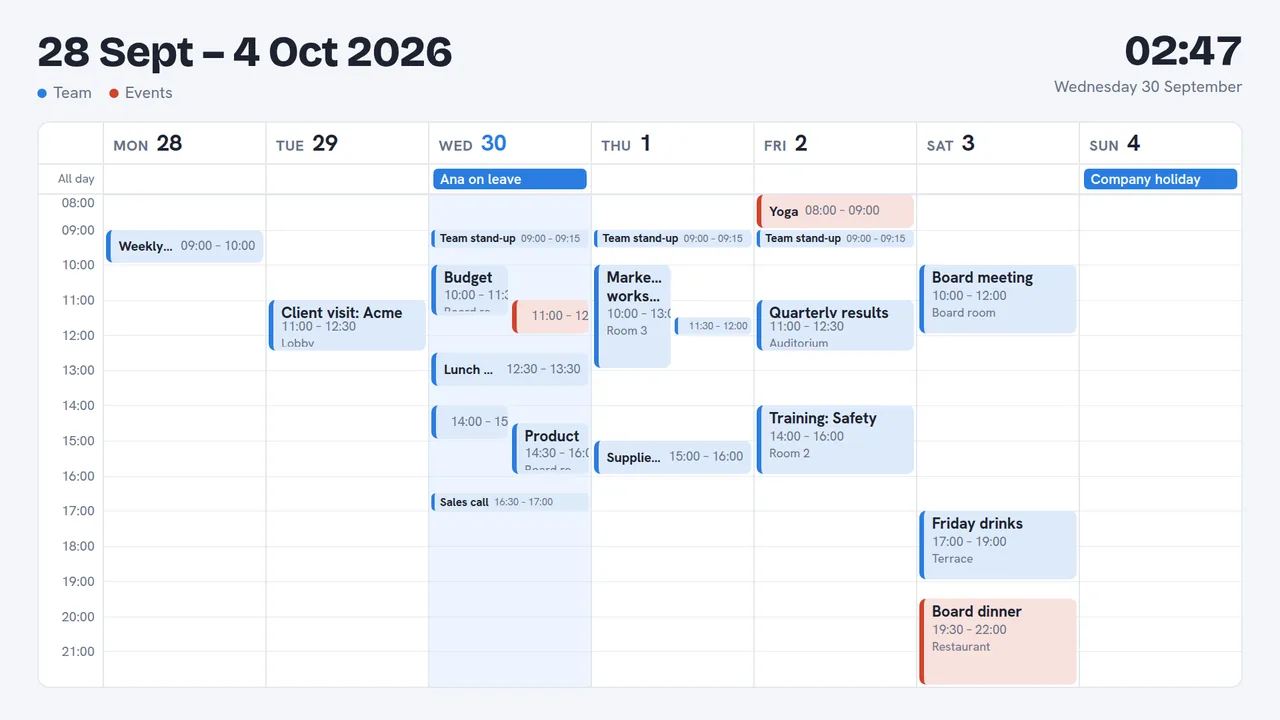
The show on every screen, from the stage to the foyer
Digital signage that simply works.
Ready-made screens for your trade, not a blank canvas. Change something once and every screen follows, on time, even without internet.
Ready-made apps for your business
Type your prices, rates, orders or events in the panel or on your phone: the screens show them in a design made for TV and update by themselves.
Menu board
Products, categories, promotions and prices that change on a date.
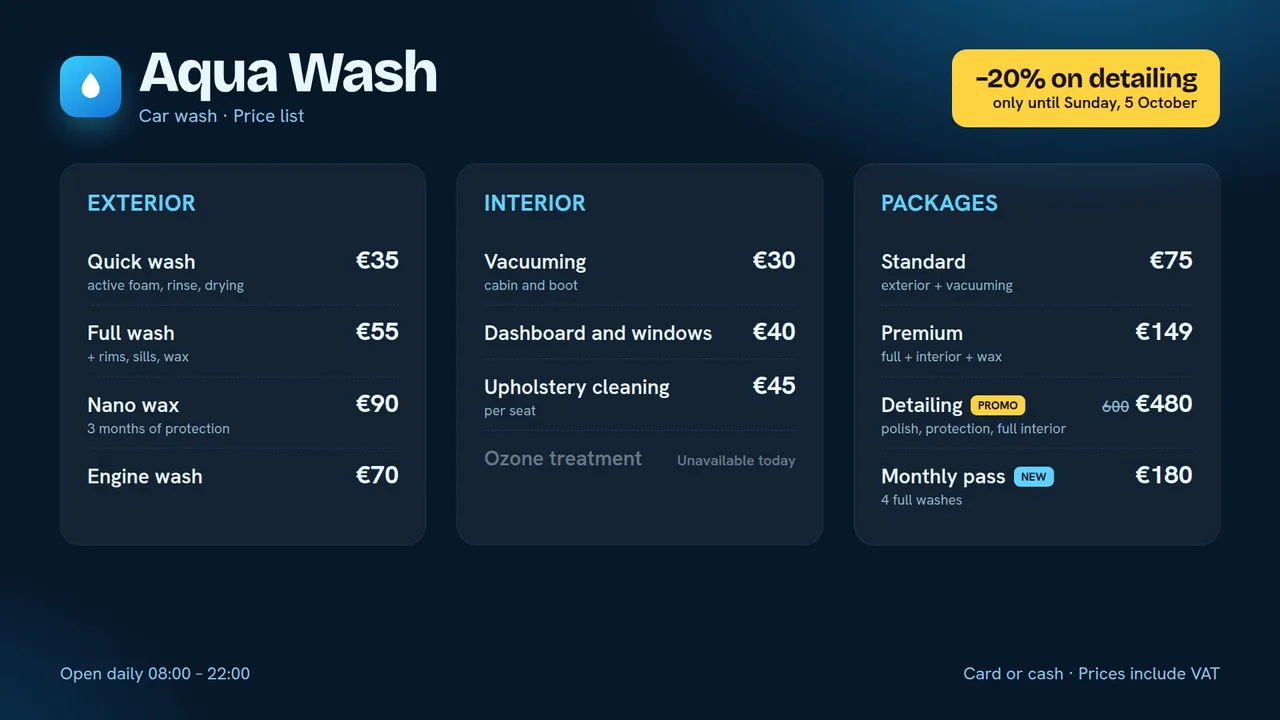
Price list
Services and prices for shops, salons, car washes and service centres.
Currency exchange
Buying and selling rates updated from the phone, with the central bank’s rate.
Order pick-up
“Being prepared” and “Ready” order numbers, called with a sound.
Queue and calling
Numbered tickets from a kiosk, “Call next” from any desk.
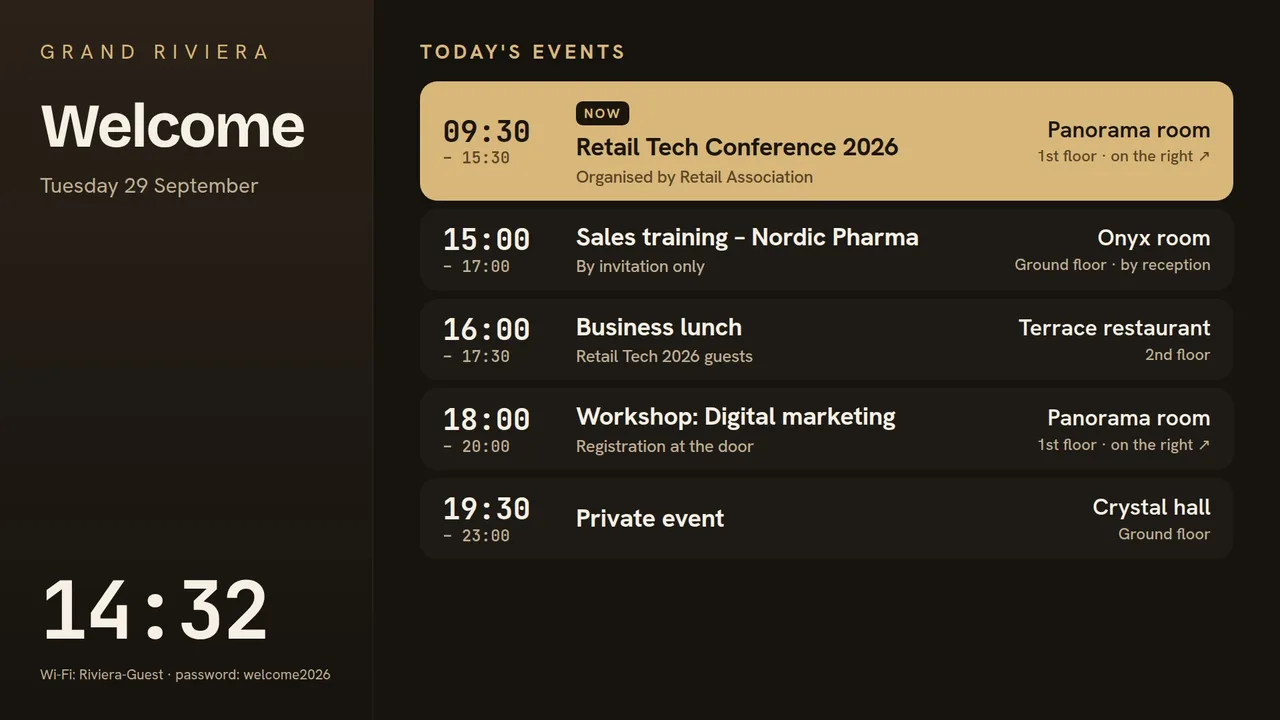
Agenda
Today’s events and rooms, from your calendar; a room sign at every door.
Calendar
Google Calendar or Outlook on screen: a month, a week, a day or what’s next.
Live stream
YouTube Live, Twitch, Vimeo or any HLS stream, with a fallback when it goes off air.
IP cameras
Your RTSP cameras or recorder on screen, one camera or a grid, in the local network.
Staff announcements
Notices that expire, a day counter, birthdays and goals.
Online table
Rankings, timetables or results from Google Sheets or Excel.
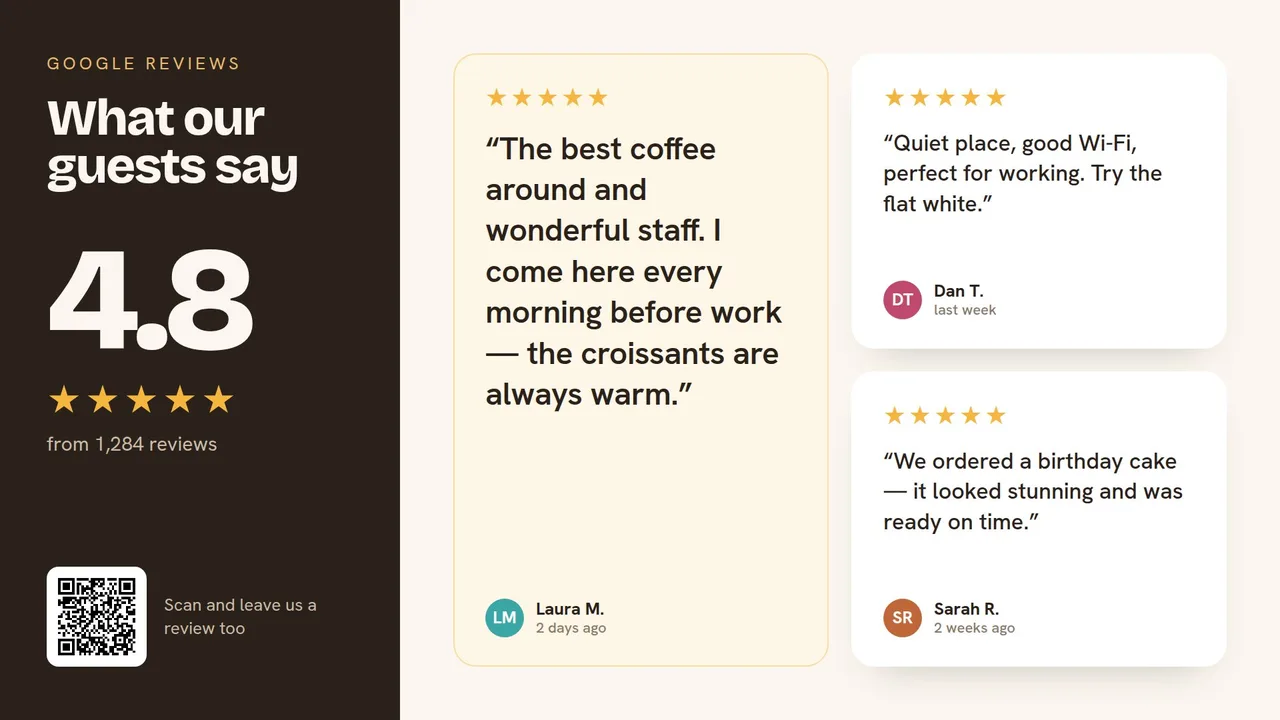
Reviews
Your rating and best Google reviews, with a QR code to leave one.
Works with what you already use
Use any screen — or get a ready-made player
A smart TV with a browser is enough to start. For screens that run all day, use our apps for Windows and Android TV, or one of our ready-made players.
Smart TV
Most smart TVs have a web browser. Open the player link, set the TV not to sleep, and you are done. Good for trying out and for simple setups.
Windows PC or mini PC
Install the StageXI Player app. It starts with Windows, runs full screen, hides the mouse and takes real screenshots for the live view.
Raspberry Pi
Small, silent and cheap to run. A Raspberry Pi 4 or 5 plays full HD and 4K content from its browser in kiosk mode.
Android TV box
Install the StageXI Player app on an Android TV box. It starts with the box, keeps the player on screen, and lets you use the box’s remote and see its screen from the panel.
No black screens. No surprises.
Every screen reports back. You see it live, you get an alert when something is wrong, and you can fix most problems without driving there.
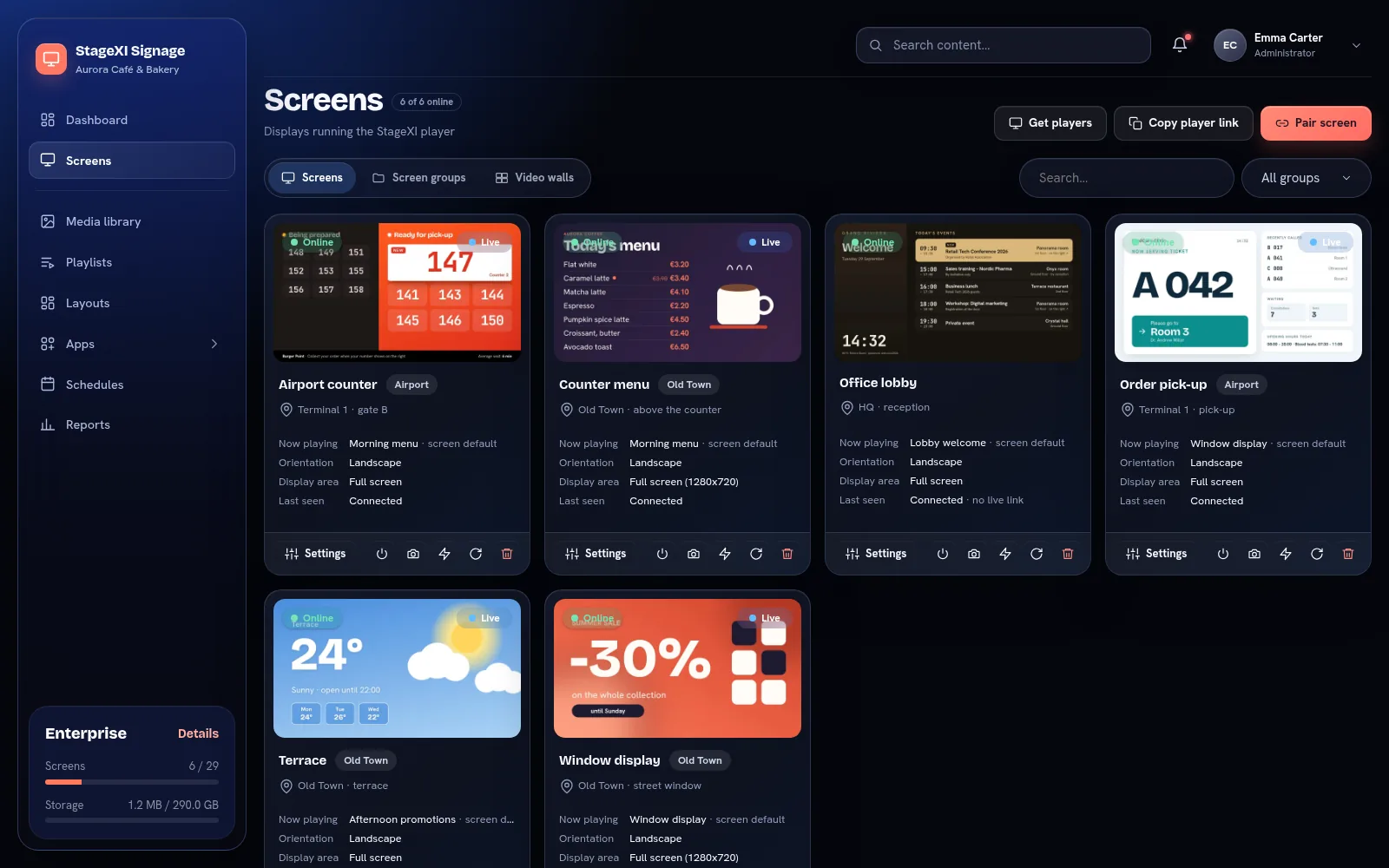
Everything under control. From anywhere.
Live pictures of every screen
See what each screen shows right now, from the panel or your phone.
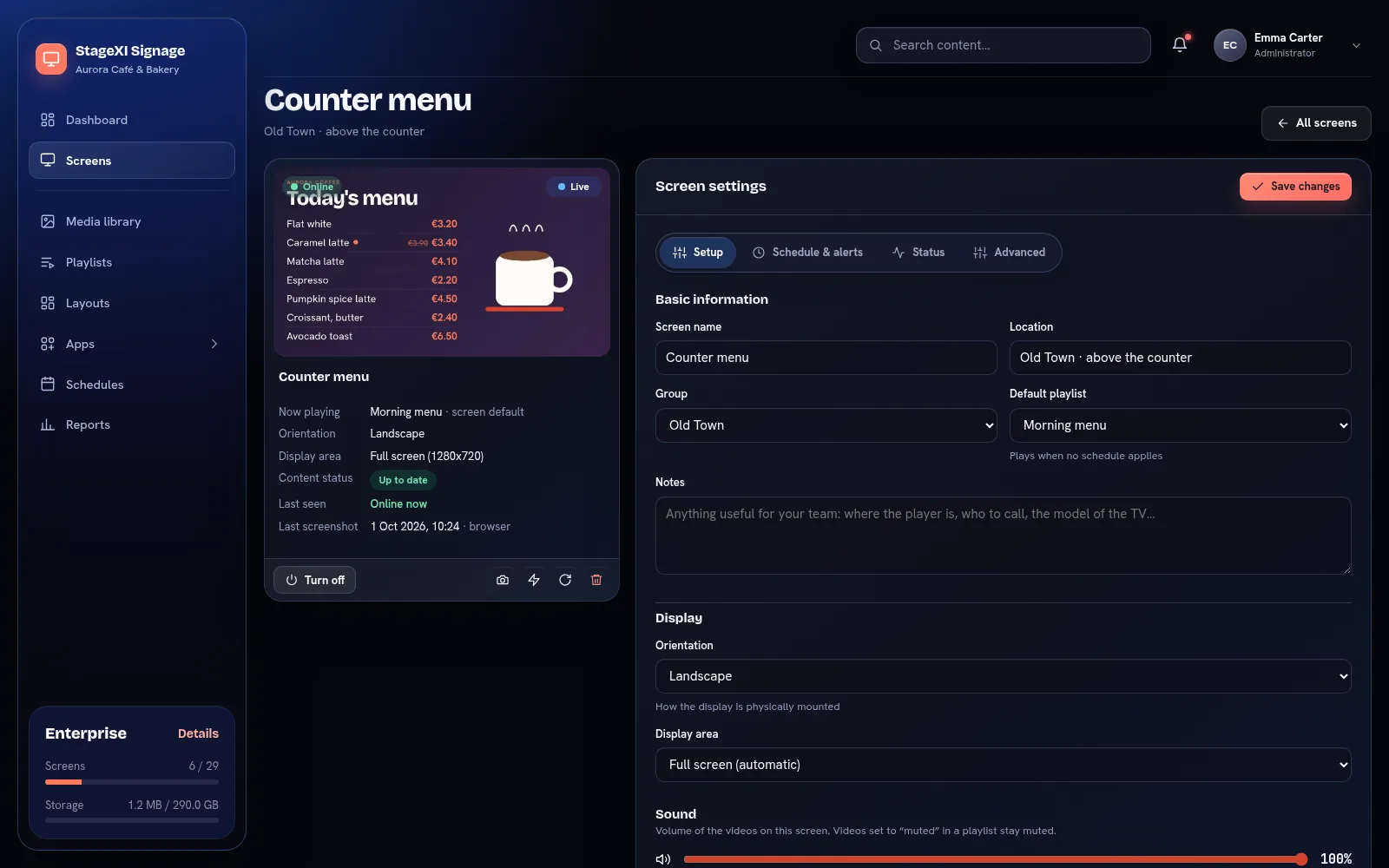
A remote for Android TV boxes
Press the box’s buttons from the panel, with its picture next to them.
Remote desktop for Windows
Live video of the PC, mouse and keyboard, for support without a visit.
Offline alerts
An email and a phone notification when a screen stops, and when it is back.
Roles and permissions
Choose who sees and changes which screens, playlists and apps.
Power and working hours
Screens go dark after closing time and wake up by themselves.
Plays offline
Content is stored on the screen, so a broken connection never means a black screen.
Private by design
Your files are reachable only through signed links; every account is kept apart.
One plan for every stage
Pay per screen. Players, the mobile app, updates and support are included in every plan.
Starter
Show your content: for a shop, café or office
- Video playback
- PDF and PowerPoint files
- 9 widgets
- Menu board (products and prices)
Business
Screens connected to your business: apps fed by your data, reports, several locations
- 11 business apps
- Screen groups
- Content expiry & show windows
- Proof-of-play reports
Enterprise
Control and advertising for large networks: roles, advertisers, LED walls
- Backups kept 30 days
- Custom roles & permissions
- Advertisers & shareable reports
- Custom display area (LED walls)
Your screens in your pocket.
See every screen live, change a playlist from the store floor, share a photo from your gallery into a playlist, or turn a screen off — with the StageXI Screen app for iPhone and Android. Get a notification when a screen goes offline.
Frequently asked questions
What do I need to start?
A screen with a web browser (most smart TVs, a computer, a Raspberry Pi or an Android TV box) and an internet connection. Create an account, open the player on the screen and pair it with the code it shows.
Do screens need internet all the time?
No. Screens download their content and keep playing it without internet. When the connection comes back, they get your latest changes by themselves.
Which files can I upload?
Images (JPG, PNG, GIF, WebP, SVG, AVIF), videos (MP4, WebM, MOV) and documents (PDF, PowerPoint). For videos, MP4 with H.264 works best on every device.
How fast do changes reach the screens?
Within seconds. Screens that are online get a signal as soon as you save a change.
Can different screens show different things?
Yes. Each screen has a default playlist, and schedules can play other playlists on some screens, groups of screens or all of them, at set times.
Your first screen can be live in ten minutes.
Free for 14 days, every feature included. No card needed.