IP cameras
Your RTSP cameras or recorder on screen, one camera or a grid.
Business and up
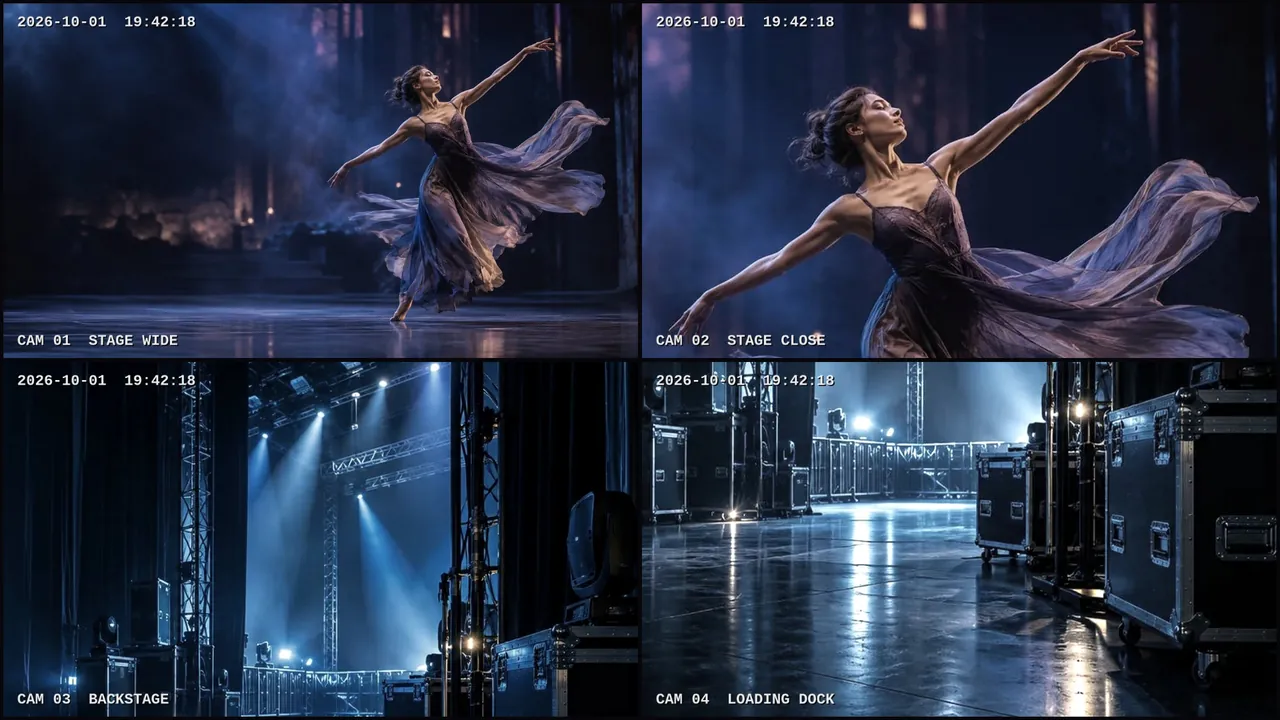
Cameras play on the Windows and Android TV apps, which connect to the cameras in your local network. A browser can't play camera streams.
Add cameras
Open Apps → Cameras:
- choose the brand (Hikvision, Dahua, Reolink, Uniview, Axis, Tapo or other), the address, the port and the channel; the path is filled in for you;
- or add a recorder (NVR): one camera per channel;
- or paste a full
rtsp://address.
The password is stored encrypted and never shown again.
Test and find
- Test: choose a screen in the same network; it tries the camera and tells you whether it works.
- Find cameras: a player looks for cameras in its network.
On screen
Add the Cameras widget, choose the cameras and the grid (auto, 1, 2×2, 3×3, 4×4). Grids use the lighter sub-stream.
The player and the cameras must see each other in the network. In buildings with separate networks, ask your IT team to allow the player to reach the cameras on TCP port 554, or connect through the recorder.
Still need help?
Write to us and we will answer within one working day.