What is StageXI Screen
A platform for showing images, videos, menus, prices and live information on any screen, and managing every screen from one place.
StageXI Screen turns ordinary TVs into digital signs. You prepare the content once in the panel, in your browser or on your phone, and every screen shows it at the right time, even without internet.
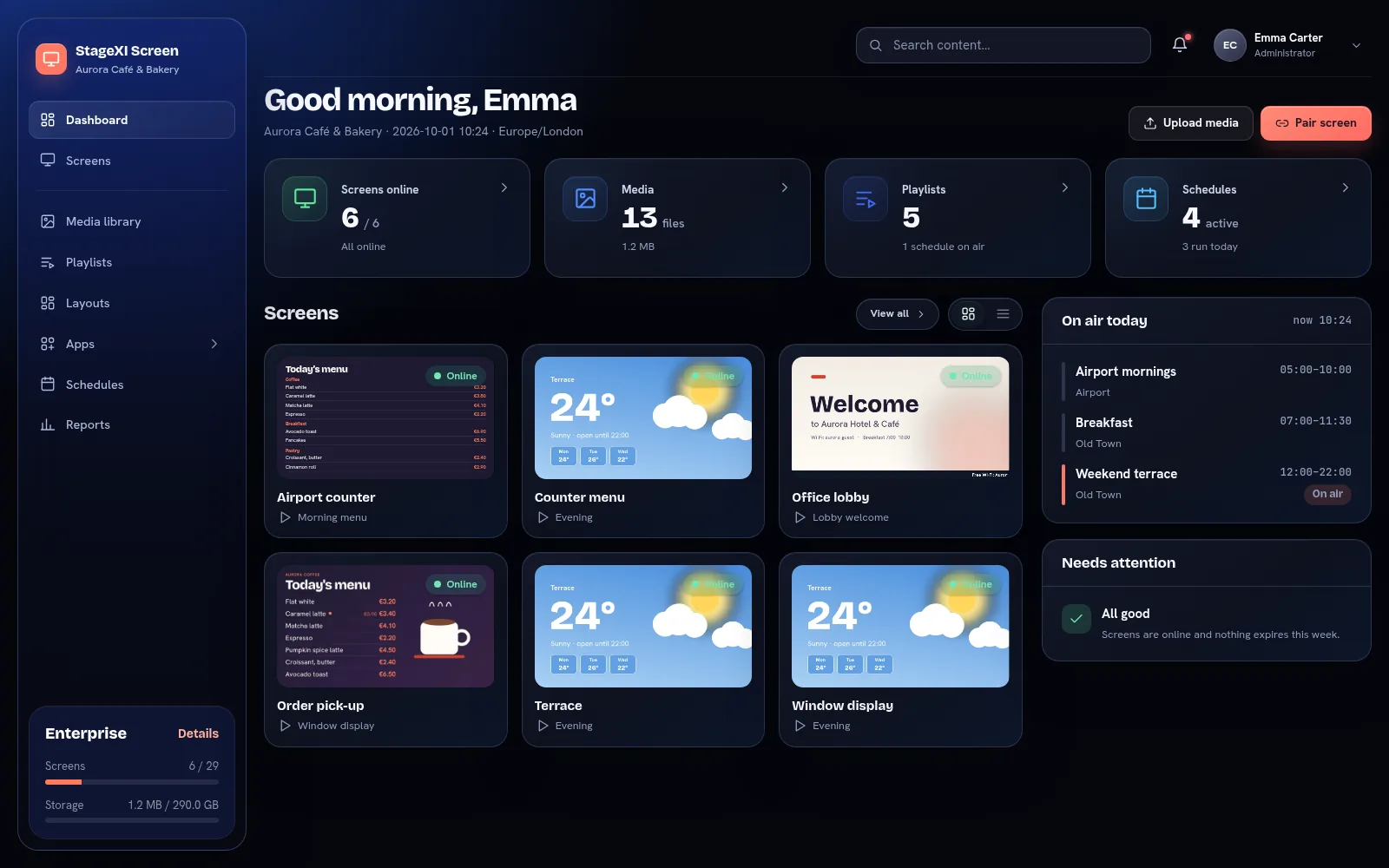
The words you will meet
- Screen: a TV or monitor with a player. Each screen has a name, a location and a default playlist.
- Player: the software that plays your content on the screen. It runs in a browser, in our Windows and Android TV apps, or on a ready-made StageXI player.
- Media library: your images, videos, PDF and PowerPoint files, in folders.
- Widget: live content made in the panel: a clock, the weather, an announcement, a QR code, a web page and more.
- App: content fed by your data, such as a menu board, exchange rates, a queue or a calendar.
- Playlist: an ordered list of files, widgets and layouts that play one after another.
- Layout: a screen split into zones, each with its own content.
- Schedule: plays a playlist on chosen days and hours, on one screen, a group or all screens.
How it fits together
- Upload files or add widgets and apps.
- Put them in a playlist.
- Pair a screen and give it the playlist as its default.
- Add schedules when different content should play at different times.
Every change you save reaches the screens within seconds.
Where to start
Still need help?
Write to us and we will answer within one working day.