Monitoring and remote control
See what every screen shows and fix most problems without going there.
Live pictures
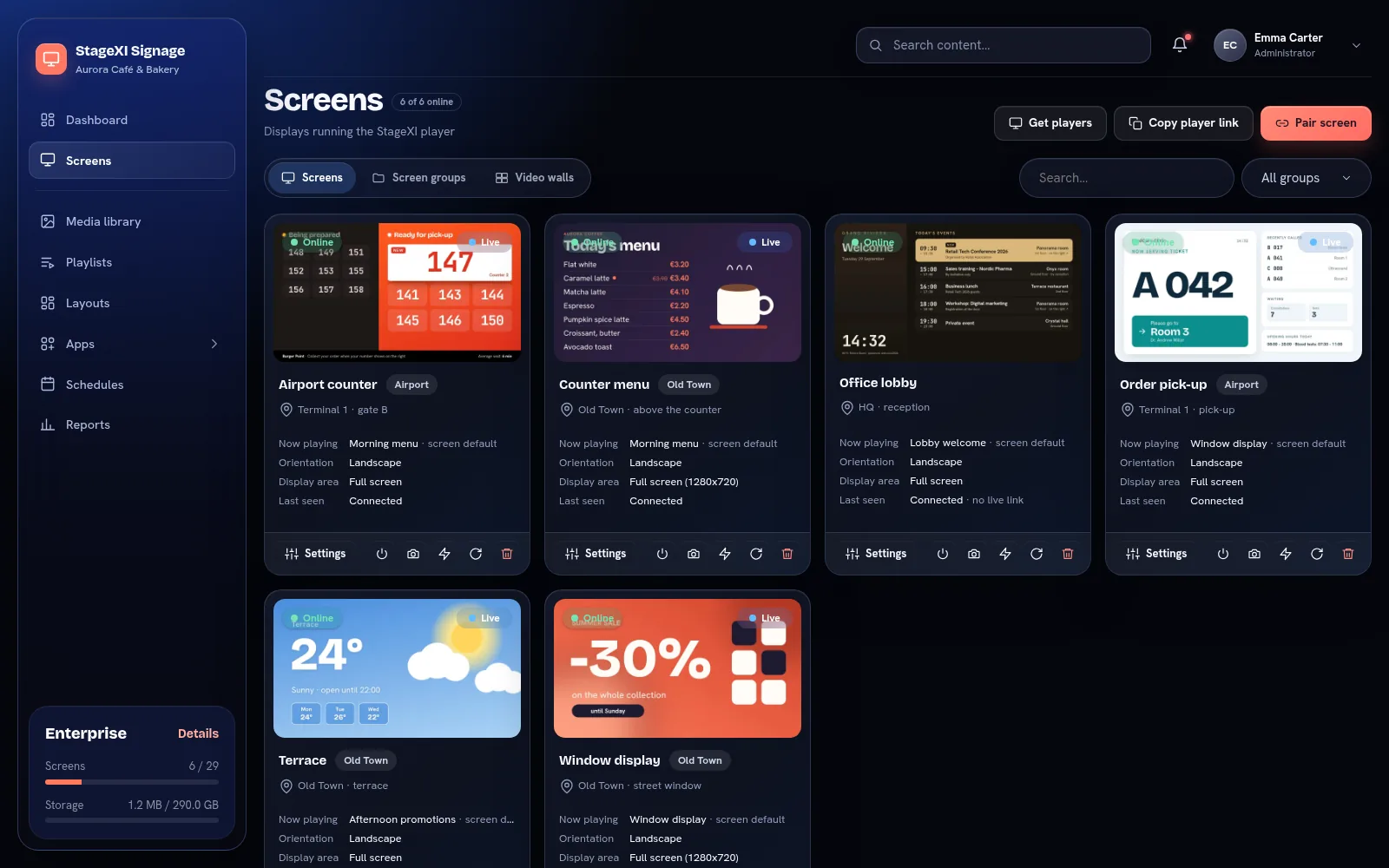
The Screens page shows the latest picture of every screen. While you watch a screen's page, its picture updates every few seconds.
Status
- Online: the screen checked in during the last minutes.
- Offline: it hasn't, for example because it lost power or internet. It keeps playing its stored content if it has power.
- Content status: whether the screen has downloaded the latest version of its content.
Commands
From the screen's page: Reload, Identify (shows the screen's name on it), Clear cache and turn the screen on or off.
Remote support
Business and up
With our apps, from the Device tab of the screen:
- Windows: remote desktop with mouse and keyboard, restart the app or the PC.
- Android TV: the box's remote with its live picture, restart, Wi-Fi, volume.
Alerts
Offline alerts arrive by email and in the mobile app when a screen stops and when it comes back.
Still need help?
Write to us and we will answer within one working day.