Calendar
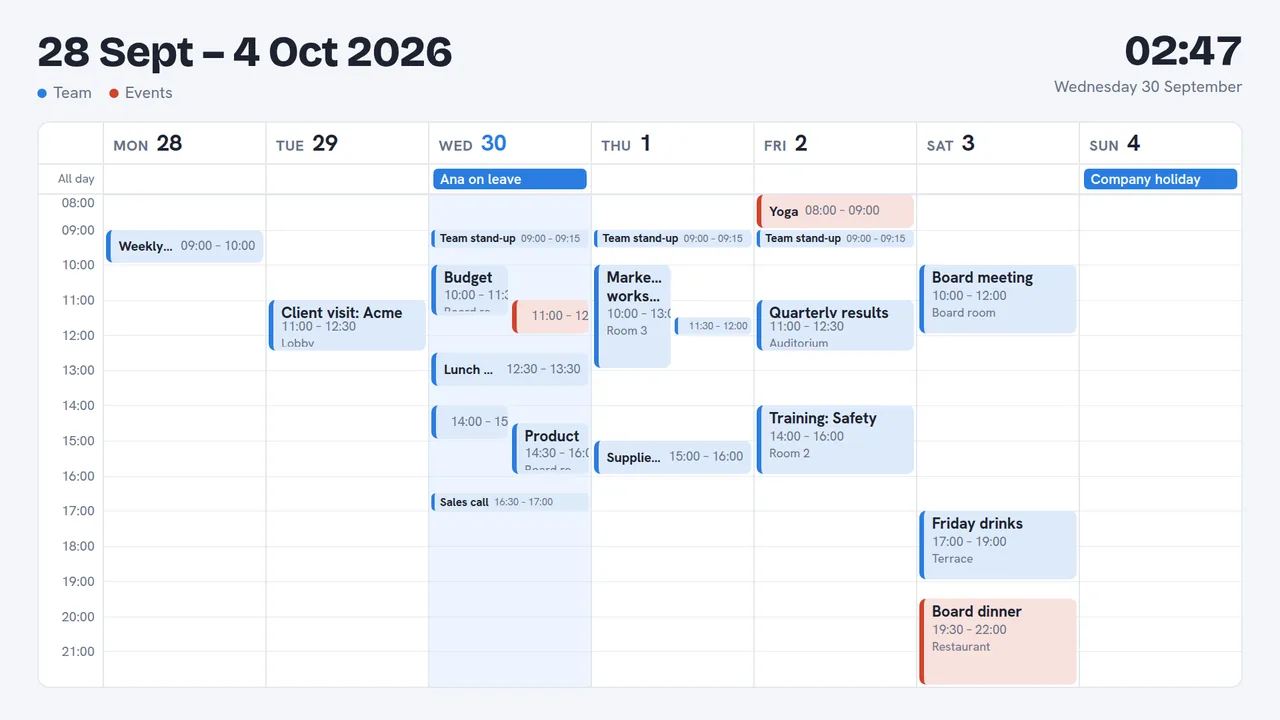
Google Calendar or Outlook on screen: a month, a week, a day or what's next.
Business and up
Connect a calendar
In Apps, choose Google Calendar or Outlook calendar and follow the steps:
- Google: calendar settings → Secret address in iCal format, copy it and paste it.
- Outlook: Settings → Calendar → Shared calendars → Publish a calendar, copy the ICS link and paste it.
Calendars are read every 10 minutes and when you choose Read now. Give each a colour.
On screen
Add the Calendar widget and choose the view: month, week, day or upcoming, the calendars, the hours and the theme.
Privacy
Turn on hide details in the widget, or mark a calendar as private: those events show only as busy, and their titles never leave the server.
Still need help?
Write to us and we will answer within one working day.