Calmer waiting rooms, with tickets and calls on screen
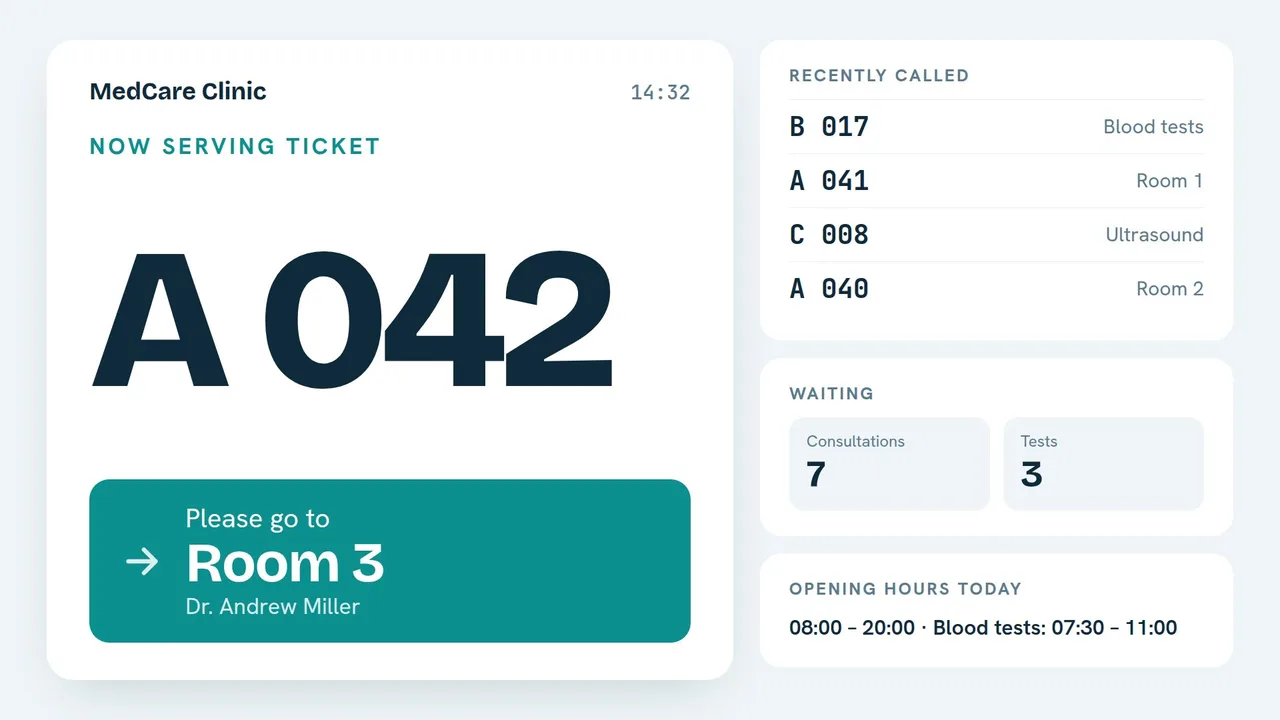
Patients take a ticket from a tablet or at the desk, see how many are waiting and hear their number when it is their turn. Between calls, the screen shows opening hours, services and health campaigns.
Problems your screens can solve
Crowded desks and “who is next?”
Numbered tickets per service and a “Call next” button at every desk. Only ticket numbers show on screen, never names.
Questions the screen could answer
Opening hours, blood-test hours, prices of services and what to bring, always up to date.
Campaigns that need to be seen
Vaccination, prevention or pharmacy offers, each with a start and an end date.
The apps you will use
Type your data in the panel or on your phone: the screens show it in a design made for TV and update by themselves.
Queue and calling
Numbered tickets from a kiosk, “Call next” from any desk.
Price list
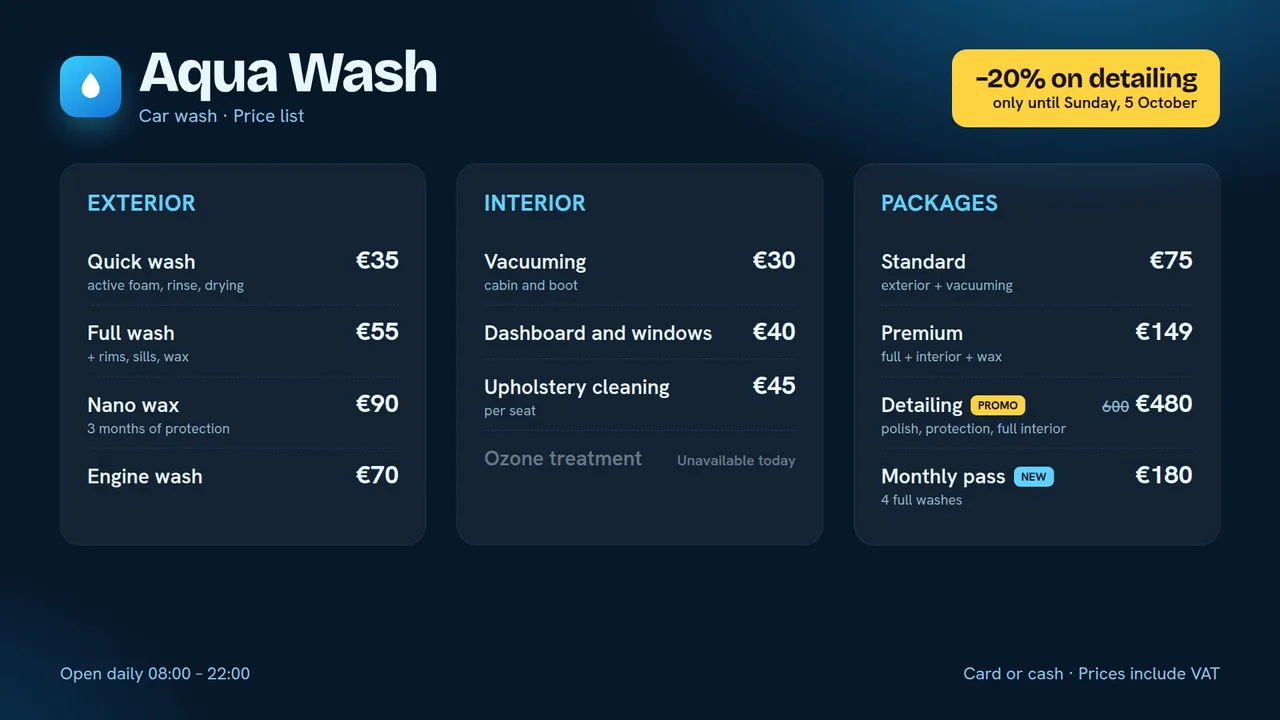
Services and prices for shops, salons, car washes and service centres.
Staff announcements
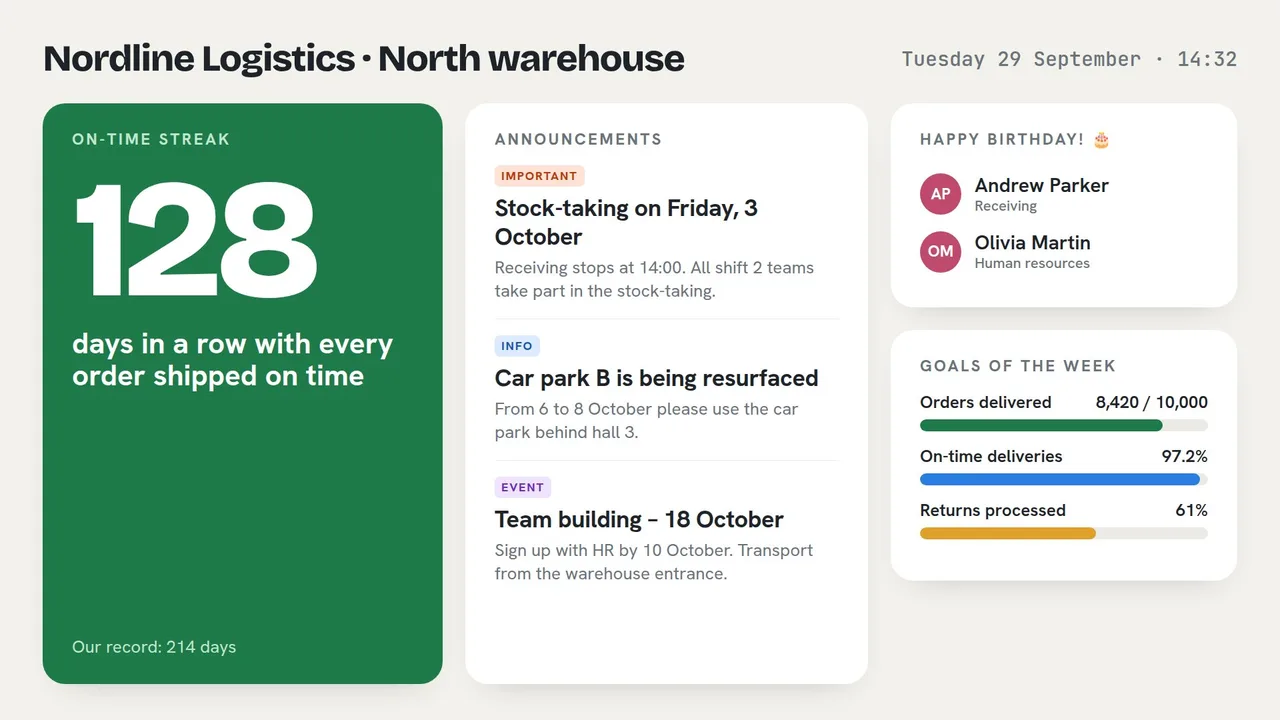
Notices that expire, a day counter, birthdays and goals.
And everything around them
Printed tickets
A tablet or a Windows kiosk that prints the ticket.
Privacy first
Only numbers on screen; files are private to your account.
Hours and holidays
Special days per screen, set in advance.
Queue and campaigns together
Calls on one side, information on the other.
Campaigns that expire
Old campaigns leave the screen by themselves.
Offline alerts
Know at once if a waiting-room screen stops.
Everything on this page is in the Business plan
$14 per screen / month. Players, the mobile app, updates and support included.
Other businesses
Your first screen can be live in ten minutes.
Free for 14 days, every feature included. No card needed.