Order pick-up
"Being prepared" and "Ready" order numbers, called with a sound.
Business and up
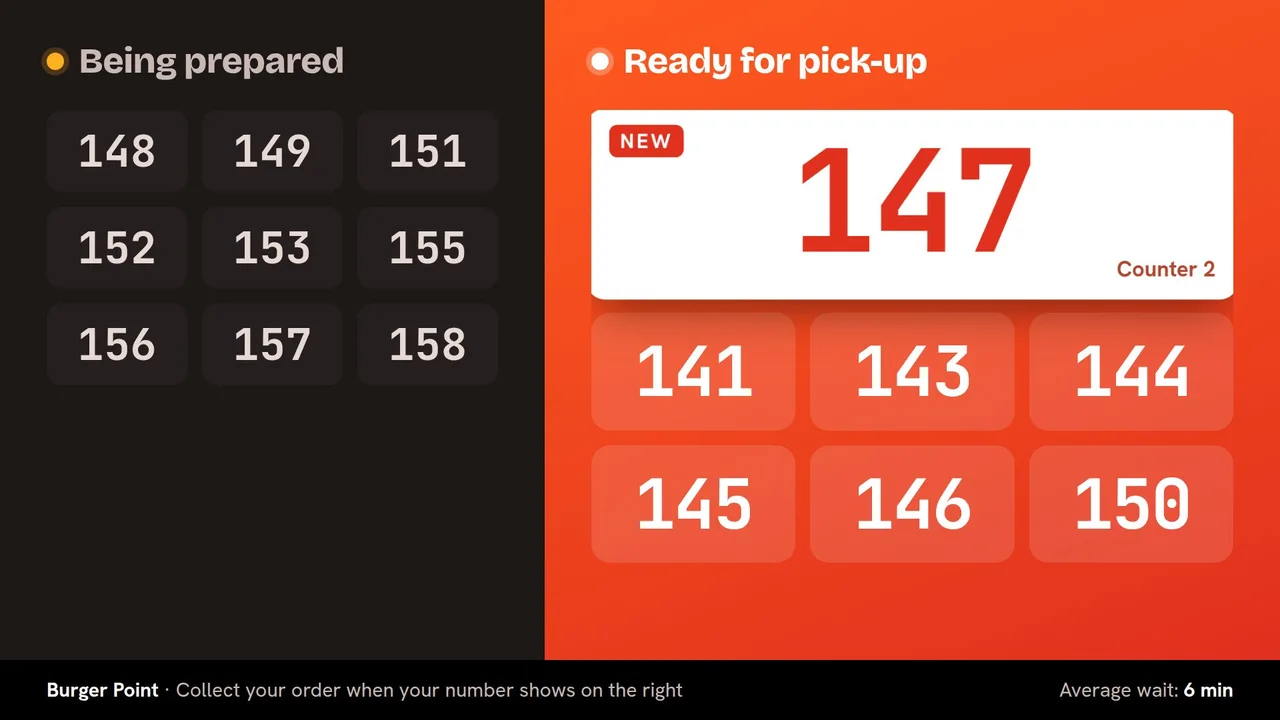
Open Apps → Order pick-up on a tablet, phone or computer at the counter:
- Type the order number: it appears under Being prepared.
- When it is ready, tap it: it moves to Ready for pick-up and the screen plays a sound.
- Ready orders leave the screen by themselves after the minutes you choose.
Still need help?
Write to us and we will answer within one working day.