Queue and calling
Numbered tickets from a kiosk, "Call next" from any desk.
Business and up
Services and desks
Open Apps → Queue. Create services (each with a letter, for example A for payments) and desks. Numbers restart every day.
Tickets
- Kiosk: open the kiosk page on a tablet and connect it with the code it shows (Connect a kiosk). Visitors choose a service and get a ticket, on screen or printed.
- Printed at a PC: the Windows app in Ticket kiosk mode prints silently on its printer.
- At the desk: staff can add a ticket by hand.
Calling
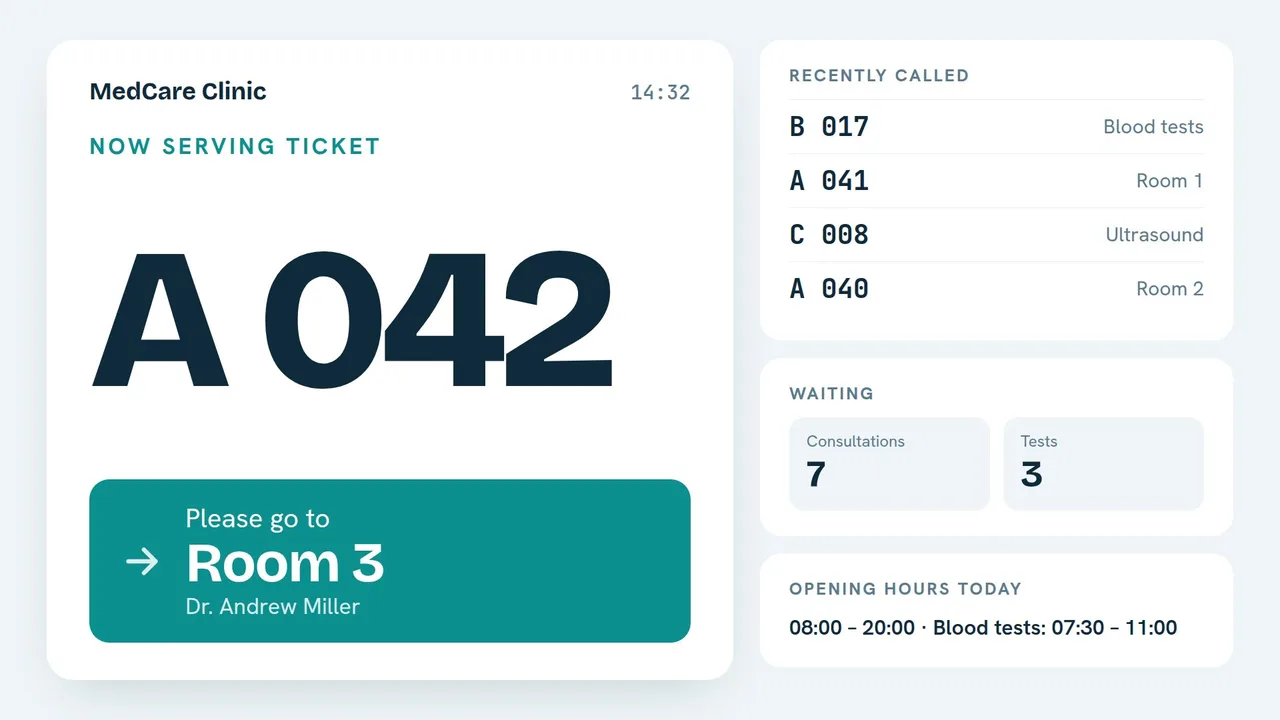
At each desk, choose Call next. The screen shows the number and the desk with a sound. Call again, Absent and Done handle the rest. Only ticket numbers are shown, never names.
Ticket layout
Set the header and footer of the printed ticket, whether it shows the service, the people waiting and the date, and the paper width (58 or 80 mm).
Still need help?
Write to us and we will answer within one working day.